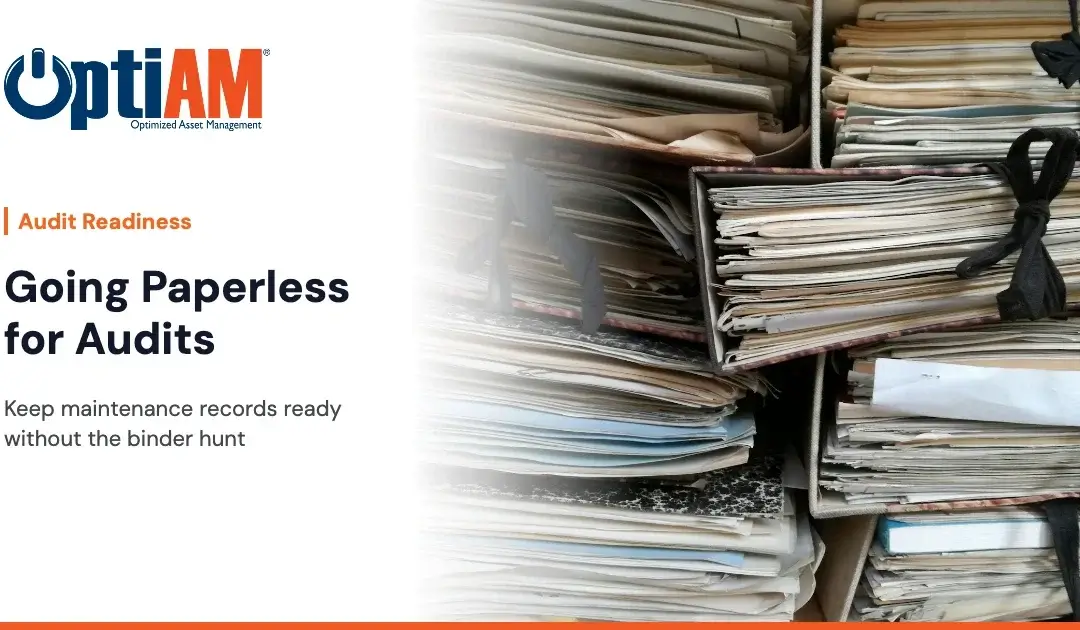
Going paperless for maintenance audits means keeping each asset’s maintenance history, closed work orders and procedures in one system instead of binders and spreadsheets. When the auditor asks what was done to a machine and when, you pull up the asset record instead of digging through folders. It won’t guarantee an audit outcome, but it ends the scramble.
You know how audit week goes. Someone pulls the binders. Someone else digs through a shared drive for the spreadsheet that may or may not be current. A tech swears the PM was done, but the signed sheet is in a truck cab or under a coffee cup in the shop. The work got done. Proving it is the hard part.
This post is for the people who own that problem: maintenance managers, reliability engineers and the techs whose signatures end up on the paperwork. Here’s what paperless actually means, what to put in the system, and how to make the case upstairs.
What Does “Paperless Maintenance Records” Actually Mean?
Definition: paperless maintenance records. Maintenance history, work orders, inspections and procedures stored digitally and tied to the asset they belong to, instead of on paper forms, binders or loose spreadsheets.
Paperless doesn’t mean scanning every old form into a PDF folder. A folder of PDFs is still a binder, just harder to flip through. The point is structure. Every record should be attached to a specific asset, so the question “what happened to this machine?” has one place to look.
Definition: maintenance history. The running record of work done on an asset: PMs, repairs, inspections and component changes, with dates.
Why Do Paper Maintenance Records Fail During Audits?
Paper doesn’t fail because people are careless. It fails because of how maintenance work actually happens.
The record lives somewhere other than the asset
The sign-off sheet is in the shop. The procedure is in a binder in the office. The parts history is in purchasing. When the auditor points at a compressor, you have to assemble its story from three places.
Paper gets filled out late, or not at all
A tech finishes a job at the far end of the site, or out on a route, and the paperwork waits until the end of the shift. By then details are fuzzy, or the sheet is lost. The work was done. The record is thin.
Nobody knows which version is current
When procedures live in binders and email attachments, there are always two copies, and they rarely match.
Audit prep eats your best people
Every hour a planner or supervisor spends chasing paperwork is an hour not spent on the backlog. You know roughly how many hours audit prep takes your team. That’s the real cost of paper.
What Should a Digital Maintenance Record Include?
Use this checklist when you set up assets in any system, OptiAM or otherwise.
Paperless maintenance records checklist
- One record per asset, with serial number, location, custodian and status
- Installed components recorded, so you know exactly what’s on the machine
- PM schedules attached to the asset, by date or by meter threshold
- Closed work orders with the tasks and inspections that were completed
- Sign-offs on work orders, not on loose sheets
- Procedures, manuals and photos attached to the asset they apply to
- Component change history, so swaps and replacements are on record
- A way for techs to close work in the field, even without signal
- Old paper history brought over for your critical assets first
If your program is small and you already have a tidy spreadsheet with dates, signatures and a clear owner, that may be enough for now. Be honest about whether it actually is.
How audit-ready are your maintenance records?
Take the 2-minute Audit Readiness Check and see where your records would hold up, and where you’d be digging through binders.
How Does a CMMS Help With Maintenance Audit Preparation?
Definition: CMMS (computerized maintenance management system). Software that tracks assets, work orders, preventive maintenance and spare parts in one place.
A CMMS helps with audits mostly by changing where work gets recorded. Instead of paperwork getting filed after the fact, the record is created as the work happens:
- The PM comes due in the system from its schedule or meter threshold, so there’s a record that it was planned.
- The tech closes the work order with its tasks and inspections, so there’s a record that it was done.
- The history stays on the asset, so the story is in one place when someone asks.
That’s the shift. Audit prep stops being a hunt and becomes a lookup.
How Does OptiAM Keep Maintenance Records Audit-Ready?
OptiAM is maintenance and asset management software built by Andromeda Systems Incorporated, the reliability and supportability engineering team that has supported DoW assets since 2005. Here’s how the pieces map to the checklist above.
Asset Manager: one record per asset
Each asset in Asset Manager gets one record with serial number, location, custodian, status, usage readings, installed components, and a full history of component changes and maintenance.
Work Order Manager and Maintenance Optimizer: work that leaves a trail
Work orders are created from a PM schedule, a meter threshold or a user request. They carry their tasks and inspections, run through your own statuses and multi-level sign-offs, and are closed out with the work recorded.
Live Library: procedures on the asset
Manuals, SOPs, photos and video attach to the assets they belong to in Live Library and are searchable. To be straight about it: Live Library isn’t a document management system. It doesn’t do version control or approval steps, so you still decide who updates a procedure and when.
OptiAM GO: closing work where the work is
Techs use OptiAM GO on iOS, Android or Windows tablets. They download the assets they need before heading out, then complete checklists and close work orders offline. Everything syncs when the device reconnects, so the record exists before the tech gets back to the shop.
Hosting that fits your IT rules
OptiAM can run as SaaS or installed on your own servers, and on-prem or gov cloud hosting is available if your organization requires it.
One more honest note: Management Center is a widget dashboard for equipment status and open work. It doesn’t do reporting or exports. When an auditor asks about an asset, you walk them through its record in the system.
How Do You Move From Paper to Digital Without Stopping the Operation?
1Start with the assets an auditor is most likely to ask about
Safety-critical and compliance-driven equipment first.
2Build the asset records
Include installed components, not just the top-level machine.
3Attach current procedures
Put them on those assets, in one place.
4Set up PM schedules
So work comes due in the system instead of on a wall calendar.
5Get techs closing work orders on mobile
Offline, if they need it.
6Bring over paper history for critical assets
Everything else can wait.
7Stop accepting paper sign-offs
For anything that’s in the system. This is the step that makes it stick. If paper stays an option, paper wins.
How Do You Make the Case to Leadership?
Your plant manager or ops director doesn’t care about binders. They care about risk and time.
- Time: estimate how many hours your team spent on the last audit’s prep. Use your own numbers.
- Risk: count the records you couldn’t find or had to reconstruct. That’s the exposure.
- The ask: a pilot on your most audited assets, not a site-wide rollout.
The one-liner: “We do the work, but we spend too long proving it. I want our critical assets’ records in one system so audit prep is a lookup, not a scramble.”
Don’t promise them a clean audit. Promise them a process that makes the records easier to find. If you want a starting point for that conversation, the Maintenance Maturity Scorecard gives you a quick read on where your program stands today.
Frequently Asked Questions
What are paperless maintenance records?
Paperless maintenance records are maintenance history, work orders, inspections and procedures stored digitally and tied to the specific asset they belong to. They replace paper forms, binders and loose spreadsheets, so anyone can see what was done to a machine and when without searching several places.
Does going paperless guarantee I’ll pass an audit?
No. Going paperless doesn’t guarantee any audit result. What it does is make your maintenance records easier to find and more complete, because work is recorded in the system as it happens instead of being filed on paper afterward.
Is a folder of scanned PDFs the same as paperless records?
Not really. Scanned PDFs are a digital copy of a binder. Useful paperless records are tied to each asset, with work orders, inspections and component changes attached, so you can look up an asset’s whole history in one place.
How do technicians record work without internet access?
With an offline-capable mobile app. In OptiAM GO, a technician downloads the assets they need before heading out, completes checklists and closes work orders without signal, and the app syncs when the device reconnects.
What should I digitize first when moving off paper?
Start with the assets auditors are most likely to ask about: safety-critical and compliance-driven equipment. Build their asset records, attach current procedures, set up PM schedules and bring over their paper history before moving on to everything else.
Can maintenance software handle document version control?
Some can, but not all. OptiAM’s Live Library attaches manuals, SOPs, photos and video to assets and makes them searchable, but it isn’t a document management system and doesn’t provide version control or approval steps.
Can OptiAM be hosted on our own servers?
Yes. OptiAM is available as SaaS or installed within your own IT infrastructure, and on-prem or gov cloud hosting is available for organizations that need it.
See your own audit trail in OptiAM
Bring your audit list, a couple of your critical assets and your team. Your boss is welcome too. We’ll walk through what those records look like in OptiAM, from the asset record to a closed work order, in a 30-minute walkthrough. No slide deck. Or call 904-402-8641.