
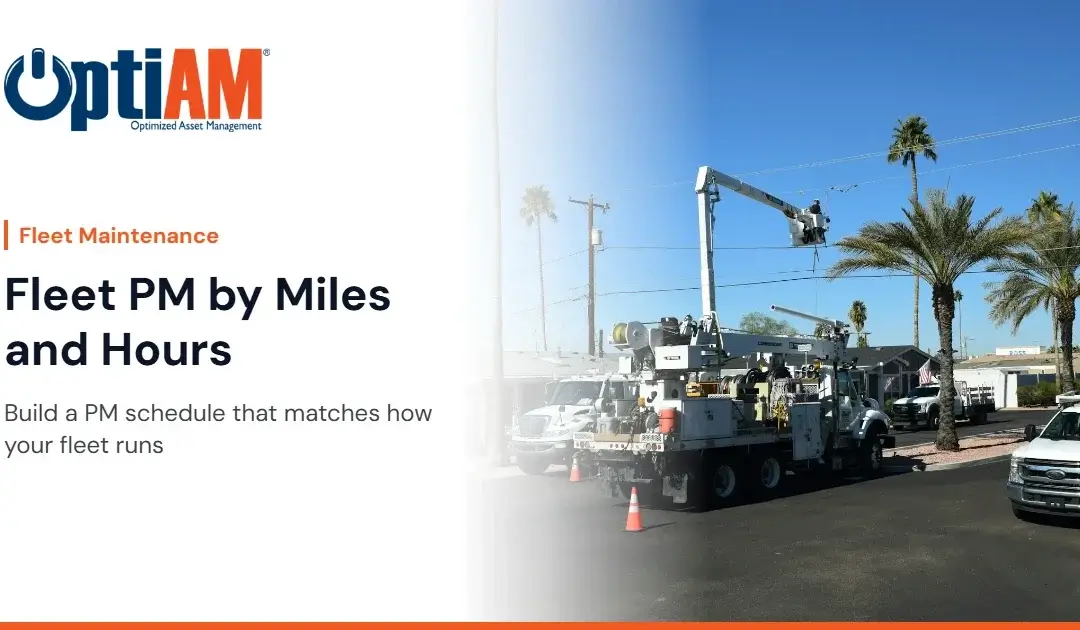
A fleet preventive maintenance schedule works best when it triggers service on odometer miles for road units, engine hours for units that idle or run equipment, and the calendar for inspections and anything that ages with time. Use whichever comes first, set intervals from the OEM manual, and record meter readings on a regular schedule.
You know the problem. Truck 14 picked up a second route in the spring and is way past its oil change. Truck 22 sat in the yard for a month waiting on a driver and came in “due” with barely any miles on it. The boom truck idles all day running its hydraulics, so the odometer says it’s fine and the engine says otherwise. Your PM schedule says everything is on time.
This post is for fleet managers and shop supervisors who want preventive maintenance to follow the work each unit actually does.
Why Doesn’t a Calendar-Only Fleet PM Schedule Work?
A calendar schedule assumes every unit runs about the same. Fleets never do.
1Routes and assignments change
Units get reassigned, routes grow, and seasonal work spikes. The calendar doesn’t know any of that.
2Idle time hides engine wear
Trucks that idle for long periods, run PTO equipment or power a lift rack up engine hours without adding miles. Mileage alone misses that wear.
3Low-use units get over-serviced
Spare units and seasonal units get full service on a date even when they barely moved. That’s shop time and parts spent on wear that didn’t happen.
What Triggers Should Fleet PM Use?
Meter-based PM: preventive maintenance triggered when a unit’s meter (odometer or engine hour meter) reaches a set threshold, instead of on a fixed date.
Whichever comes first: a PM task with two or more triggers, such as miles and months, that comes due at the first one reached.
Most fleets need three trigger types:
- Odometer miles for road wear: oil and filters, tires and rotation, brakes, and driveline service on highway and route units
- Engine hours for units that idle or run equipment: boom trucks, vac trucks, refuse trucks, loaders and generators
- Calendar dates for inspections, seasonal prep and time-driven items like coolant, batteries and anything a regulation sets by date
Many units need two meters. A service truck that drives a route and then runs a crane on site should have PM tied to both. If you’re still deciding between the two approaches, usage-based vs calendar-based PM breaks down where each one fits.
What Does a Mixed Fleet PM Schedule Look Like?
The structure below is an example, not a manufacturer specification. Use the intervals in each OEM manual and your own failure history, and tighten them for severe duty where the manual says to.
| Unit type | By miles | By engine hours | By date |
|---|---|---|---|
| Light-duty route trucks and vans | Oil and filter, tire rotation, brake inspection, per OEM | Usually not needed | Annual or periodic inspections, seasonal checks |
| Medium and heavy trucks with PTO or equipment | Chassis service, brakes, tires | Engine oil and filters, hydraulic service on the equipment | Required inspections |
| Off-road equipment | No | Engine and hydraulic service on loaders and other equipment | Seasonal and required inspections |
| Trailers | Most have no meter | No | Brakes, lights, tires and couplers on a set schedule |
Put whichever-comes-first rules on oil service, so low-mileage units still get serviced.
How Do You Get Reliable Meter Readings?
Meter-based PM is only as good as the readings. Bad or missing readings mean PM comes due late, or never.
- Pick one moment to record readings. Fuel-up, pre-trip inspection or shop check-in. Tie it to a habit that already exists.
- Make one person responsible for checking that readings came in.
- Watch for impossible readings. A meter that goes backward or jumps thousands of miles in a day is a typo.
- Fix broken meters fast. An hour meter that stopped working means that unit has dropped out of your PM program.
Fleet Preventive Maintenance Schedule Checklist
- Every unit in one registry with VIN or serial number, location, assigned group and status
- The right meter for each unit: miles, hours or both
- PM intervals set from the OEM manual and adjusted for duty cycle
- Whichever-comes-first rules on units with uneven use
- Calendar PM for inspections and time-driven items
- Meter readings recorded at a fixed point in the routine
- Work orders closed with tasks and inspections recorded
- Common parts like filters and brake components with reorder points set
- A way for drivers to report problems so a work order gets raised
- A review of what you find at each PM, so intervals get tuned over time
If most of that list lives in a spreadsheet today, that can still work for a small fleet. Here’s when a spreadsheet schedule stops being enough.
Is your PM schedule outgrowing Excel?
The CMMS vs Excel check takes about two minutes and tells you whether your spreadsheet is still the right tool for how your fleet runs. No email required.
How Do You Make the Case to Leadership?
Your ops director or owner cares about units being available for routes and customers.
- Availability: estimate how many route days were lost last year to breakdowns. Use your own records.
- Wasted service: count PMs done on low-use units that didn’t need them.
- Late service: look for failures on units that were past their real interval.
- The ask: start with your highest-use units and your most critical equipment trucks.
One line: “Our PM runs on dates, but our trucks don’t. I want service tied to miles and hours so the busy units get serviced in time and the idle ones don’t waste shop time.”
How Does OptiAM Handle Fleet PM?
OptiAM is maintenance and asset management software built by Andromeda Systems Incorporated, the reliability and supportability engineering team that has supported DoW assets since 2005. Heavy equipment and truck fleet maintenance is a core focus for OptiAM.
- Asset Manager keeps one record per unit with serial number, location, custodian, status, usage readings and full maintenance history.
- Maintenance Optimizer generates work orders from a PM schedule or a meter threshold, with the tasks and inspections attached. Drivers and techs can also raise a work order by user request.
- Task Developer builds the step-by-step service package for each PM.
- Inventory Manager shows a visual flag when filters or other parts hit their reorder point at a location.
- OptiAM GO lets techs download the units they need, complete checklists and close work orders offline, and sync when they reconnect.
What OptiAM doesn’t do: it doesn’t create work orders from telematics, sensors or failed inspections today. It has no dispatch or scheduling board, and it doesn’t do cost tracking, labor tracking or driver and crew scheduling.
Frequently Asked Questions
Should fleet PM be based on miles or hours?
Use miles for wear that comes from driving and engine hours for wear that comes from running the engine, including idling and powering equipment. Many units need both, plus calendar dates for inspections. Set the actual intervals from the OEM manual for each model.
What is a whichever comes first PM interval?
A whichever comes first interval gives one PM task two triggers, such as a mileage and a number of months. Service comes due at the first one reached, so busy units are serviced on usage and idle units still get serviced on time.
How often should fleet meter readings be recorded?
Record readings at a fixed point in the routine, such as fuel-up, pre-trip inspection or shop check-in. The more often readings come in, the closer meter-based PM work orders will land to the real interval.
Why is calendar-only fleet maintenance a problem?
Calendar-only schedules assume every unit runs the same amount. In practice, high-use units go past their real service interval while low-use units get service they did not need, wasting shop time and parts.
Do trailers need preventive maintenance if they have no meter?
Yes. Most trailers have no odometer or hour meter, so their brakes, lights, tires and couplers are usually inspected on a calendar schedule, following the manufacturer’s guidance and any required inspection rules.
Can OptiAM create work orders from telematics or sensors?
Not today. OptiAM creates work orders automatically from a PM schedule or a meter threshold, and users can create them by request. Sensor and telematics-driven triggers are not currently available.
See your fleet’s PM in OptiAM
Bring your unit list, a few OEM service schedules, your shop supervisor and your boss to a 30-minute walkthrough on your own fleet. No slide deck. Or call 904-402-8641.